How to Optimize Videos for YouTube and Rank Higher

The secret to getting traction on YouTube doesn't start when you hit the "upload" button. It begins way before that, with a smart mix of technical prep and creative planning. This groundwork is what tells the YouTube algorithm what your video is all about while also making sure people who click actually stick around to watch.
Think of it this way: you're building a solid foundation. That way, when you add a great title and thumbnail, you're promoting a piece of content that's already set up to succeed.
Building Your Foundation with Pre-Upload Optimization
So many creators treat optimization as an afterthought, something you do on the upload screen. That's a huge mistake. The real work happens behind the scenes. It's like building a house—you wouldn't start putting up walls without a solid blueprint. This pre-upload work is your video's blueprint.
Getting this initial phase right sends strong, positive signals to YouTube's algorithm from the get-go. This can seriously influence how your video is categorized and recommended right out of the gate.
Uncover What Your Audience Is Actually Searching For
Throwing content at the wall to see what sticks is a slow, painful way to grow. You need to get inside your audience's head. The best place to start is right in the YouTube search bar.
Just start typing a broad topic in your niche and watch what YouTube suggests. Those aren't random guesses; they're the most popular things people are actively searching for.
For instance, instead of a generic video on "home workout," you might see the search bar suggest "no equipment home workout for beginners" or "30 minute full body hiit workout at home." Those are your golden nuggets. These longer phrases, or long-tail keywords, are far less competitive and attract viewers who know exactly what they want.
Key Takeaway: It's not just about the keyword, but the intent behind it. Is someone looking for a step-by-step tutorial, a product review, or just some quick entertainment? Your video has to deliver on that promise to keep viewers happy, which is what tells the algorithm you've got good stuff.
Scripting to Keep People Watching
Getting the click is only half the battle. If viewers bail in the first few seconds, your video is dead in the water. Your script is the single most important tool for keeping them hooked.
The first 15 seconds are everything. This is your hook, and you need to nail it. Tell the viewer exactly what they're going to get or what problem you're about to solve for them. No long, rambling intros. Get right to the point.
From there, structure your script to keep the energy up. Plan where you'll use B-roll, on-screen text, or graphics to break things up visually. It's all about creating a dynamic experience that makes it easy for the viewer to keep watching.

This workflow shows how research informs your script, which then helps you properly name your file—it's all connected.
Use a Keyword-Rich File Name
This is one of the easiest, most-skipped steps in the entire process. Before you even think about uploading, rename your video file. Get rid of the generic camera name like VID_1234.mp4.
Instead, name it using your main target keyword. If your video is about baking sourdough, your file name should be something like how-to-make-sourdough-bread-for-beginners.mp4.
Why does this matter? It’s one of the first pieces of data YouTube’s algorithm ingests. It’s a tiny detail that gives the system immediate context about your video, and every little bit helps.
To pull all this together, here’s a quick checklist you can run through before you even open the YouTube upload page. It ensures you've covered all the essential foundational work.
Essential YouTube Pre-Upload Optimization Checklist
Following this simple checklist for every video creates a consistent, high-quality foundation that makes all of your subsequent optimization efforts—like writing titles and designing thumbnails—infinitely more effective.
Editing Techniques That Boost Audience Retention
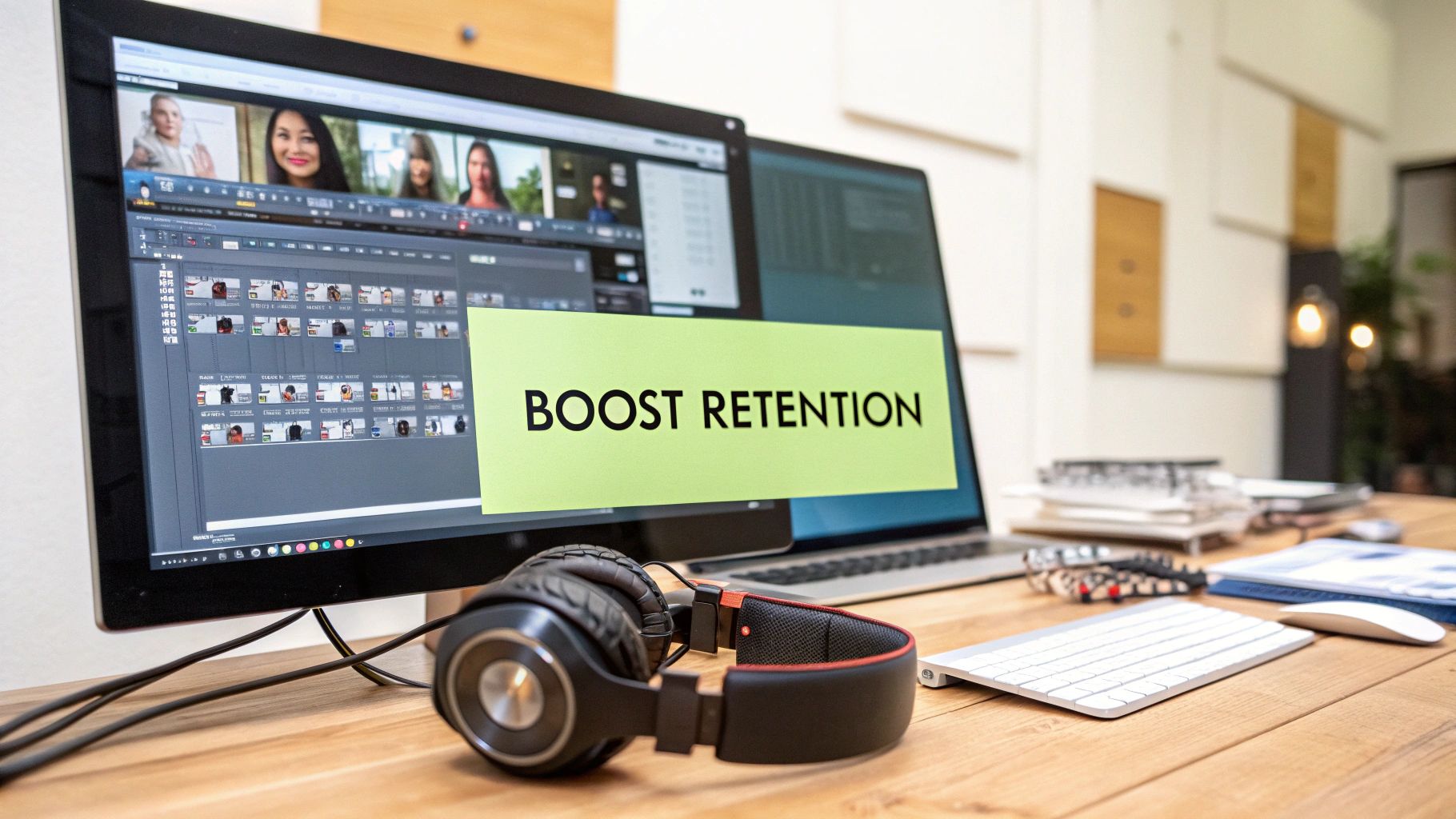
A killer video idea is just the starting line. If the final edit drags, feels clunky, or is tough to follow, viewers will bounce without a second thought. The editing suite is where you transform raw footage into an experience that grabs and holds your audience's attention.
The entire point is to create a seamless flow that makes it easy for people to keep watching. Every single cut, sound effect, and graphic needs to serve a purpose: to keep eyes on the screen and deliver value. This is a massive part of a solid YouTube strategy because the algorithm absolutely loves content that keeps people on the platform longer.
Master the Art of Pacing
Pacing is the heartbeat of your video, and it has a direct line to how long people stick around. A video that’s too slow feels like a lecture. One that’s too fast is just confusing. Finding that sweet spot for your specific content is everything.
The most common mistake? Leaving in "dead air"—those awkward pauses, the endless "ums" and "ahs," or the moments where you're visibly searching for your next thought. Be ruthless. Cut them all. Every second of dead air is an open invitation for your viewer to get distracted and click away.
This is where you can lean on some classic editing tricks:
- J-Cuts: The audio from the next clip sneaks in a moment before the video actually cuts to it. This pulls the viewer forward and makes the transition feel incredibly smooth and natural, not jarring.
- L-Cuts: The opposite of a J-cut. The audio from the previous clip continues to play over the start of the next shot. It’s perfect for showing someone's reaction while you still hear what they're reacting to.
Using these techniques makes your video feel polished and intentional, keeping the viewer locked in from one scene to the next.
Prioritize Crystal-Clear Audio
You could shoot on an IMAX camera, but if your audio is garbage, people are gone. Seriously. Bad sound quality—whether it's buzzing in the background, muffled dialogue, or wild volume swings—is one of the fastest ways to lose an audience. It just feels unprofessional and makes the video a chore to get through.
Invest in a decent microphone and learn the basics of audio editing. Your only priorities should be killing background hiss, evening out the volume so there are no sudden shocks to the eardrum, and making sure every word is crisp and clear. Clean audio isn't a "nice-to-have"; it's a non-negotiable.
Expert Insight: Think of your audio as 50% of the viewing experience. If you're on a budget and have to choose between a better camera or a better microphone, pick the microphone every single time. Viewers will forgive slightly grainy footage, but they will not tolerate audio they can't understand.
Use Visuals to Emphasize and Entertain
Nobody wants to stare at a static talking head for ten minutes. To keep viewers engaged, you have to sprinkle in visual variety that supports what you're saying. This breaks up the monotony and hammers your key points home.
Some simple but effective visual aids include:
- B-Roll Footage: These are the supplemental clips that show, not just tell. Talking about a software tool? Show screen recordings of you using it. Telling a story? Splice in clips that relate to the narrative.
- Text Overlays: Use clean, simple on-screen text to call out important stats, keywords, or takeaways. This is a huge help for viewers watching on mute and it reinforces the info for everyone else.
- Simple Graphics and Animations: You don't need to be a motion graphics wizard. A simple zoom-in to emphasize a point or an animated arrow highlighting something on screen can make a world of difference.
Ultimately, every decision in the edit bay should be about maximizing your video's average view duration (AVD). If you can get your AVD into the 50-60% range, you're sending a powerful signal to the YouTube algorithm that your content is high-quality. Any big, sudden drop-offs in your retention graph are red flags pointing to a pacing problem. Find those spots and fix them in your next video. A strong AVD earns YouTube's trust, and that's how you get your videos shown to more people. To dig deeper into what the numbers mean, check out these helpful insights about YouTube metrics.
Designing Thumbnails and Titles That Demand Clicks
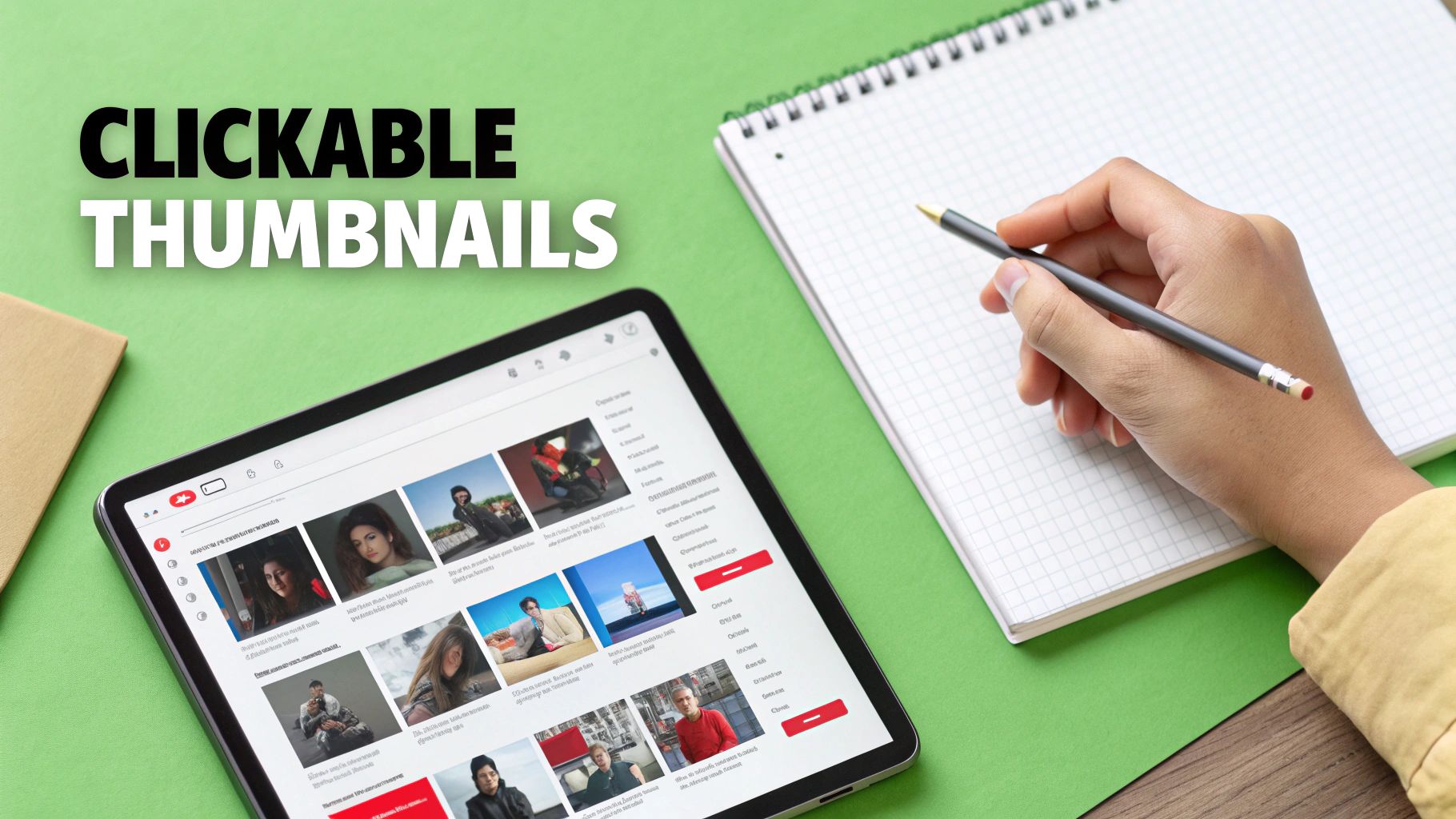
Think of your video as a product on a store shelf. No matter how incredible it is, if the packaging is dull, nobody's picking it up. Your thumbnail and title are that packaging. In a sea of endless content, this combo is your one shot to make a first impression and drive your click-through rate (CTR).
They're a classic one-two punch. The thumbnail grabs the eye with a powerful visual, and the title hooks the brain with curiosity, promising a solution or an answer. When they work together, they give a scroller a compelling reason to stop and choose your video over the dozen others on their screen.
Crafting High-Impact Thumbnails
Your thumbnail needs to be visually loud. It has to be understood in a split second, even when it’s shrunk down on a tiny phone screen. Clarity and emotion are your best friends here; a cluttered, confusing thumbnail is a death sentence.
Always start with a high-quality, high-contrast image. Bright, saturated colors pop against YouTube’s clean interface—think bold yellows, vibrant blues, and strong reds. If you’re in the video, use a clear shot of your face showing a strong, relevant emotion. Curiosity, shock, excitement... these expressions create an instant human connection.
To really make your thumbnails work for you, focus on these fundamentals:
- The Rule of Thirds: Avoid centering everything. Placing key elements, like your face or a product, along the intersecting lines creates a more dynamic and visually interesting composition.
- Minimal, Bold Text: If you use text, stick to three or four powerful words. Use a thick, clean font that’s still readable when the thumbnail is the size of a postage stamp.
- Branding Consistency: Using similar colors, fonts, or a small logo across your thumbnails helps viewers instantly recognize your content in their feed, building that crucial brand recall over time.
This isn’t just about making pretty pictures. The goal is to dramatically improve your CTR, one of the top signals the YouTube algorithm uses to promote content. While the average CTR is around 4-5%, getting to 6-8% or higher puts you in a much better position. In fact, some data shows that thumbnails with expressive faces can boost performance by over 38%.
Writing Titles That Create Intrigue
A great title does two jobs at once. It has to contain keywords for the YouTube algorithm to find it, but it also has to be compelling enough for a human to actually click. Finding that sweet spot is how you win at discovery.
Your title should set an expectation and create a "curiosity gap"—teasing the value inside without giving away the entire story. You want someone to feel like they have to click to get the answer.
Expert Tip: Try phrasing your title as a question or framing it around a transformation. Instead of "How to Edit a Video," go for something like "Can You Edit a Full Video in Just 5 Minutes?" The second one creates instant intrigue and sets up a challenge the viewer wants to see resolved.
The Magic of Title and Thumbnail Synergy
The real magic happens when your title and thumbnail work together as a single, cohesive unit. They should complement each other, not just repeat the same thing.
If your title is "My Biggest Vlogging Mistake," your thumbnail shouldn't just be that text slapped on a background. A much better approach would be a shot of you with a shocked expression looking at a broken camera.
This combination tells a mini-story before the video even starts. The viewer sees the emotion in the thumbnail, gets the context from the title, and feels an irresistible urge to click and find out what happened. For a deeper dive, you can learn more about how to title your YouTube videos in our dedicated guide. From there, it's all about testing combinations and keeping a close eye on your CTR in YouTube Analytics to see what truly connects with your audience.
Getting Your Video's Metadata Dialed In for Discovery
Okay, your video is edited and you've got a killer title and thumbnail combo ready to go. The next job is a big one: you need to have a direct conversation with the YouTube algorithm. This is where your video’s metadata—the description and tags—comes into play.
Think of it like this: metadata gives YouTube the essential context it needs to understand what your video is about and, just as importantly, who it should be shown to. A weak, lazy description is like sending your video out into the world with no instructions. A well-written one gives YouTube a roadmap to find your ideal audience, which is key to getting picked up in search and suggested feeds.
Writing Descriptions That Work for People (and the Algorithm)
Forget everything you know about stuffing your description with a wall of keywords. Those days are over. A great description today serves the human viewer first, and by doing that, you send all the right signals to YouTube’s AI.
The first 2-3 lines are pure gold. This is the text that shows up in search results and sits right below your video before a viewer has to click "Show more." This is your chance to expand on the promise you made in your title.
For example, if your title is "Easiest Sourdough Bread for Beginners," your opening lines could be:
"In this video, I'll show you my no-knead method for the easiest sourdough bread you can make at home. We'll cover everything from feeding your starter to getting that perfect, crispy crust."
See? It uses the main keyword naturally while telling the viewer exactly what they’re going to get.
Once you’ve nailed the hook, the rest of the description is your space to provide more value and context.
- Add helpful links: Share any tools, products, or resources you mentioned.
- Promote your other content: Link to related videos or playlists to keep people watching your channel.
- Don't forget the CTA: Ask viewers to subscribe or check out your other social media profiles.
Unlock Hidden Views with Video Chapters
One of the most powerful and underutilized tools in your description is video chapters. You create them by simply listing timestamps with a short title for each section.
Chapters are a massive win for user experience, allowing viewers to jump straight to the information they need. But the real game-changer is how they impact search. Chapters can help individual segments of your video rank in Google Search results.
If someone searches for a very specific question that you happen to answer in one of your chapters, Google might serve up a direct link to that exact timestamp in your video.
Making chapters is simple:
- Always start the list with
00:00 Intro. - Add more timestamps in chronological order (e.g.,
03:15 Mixing the Dough). - Write descriptive, keyword-rich titles for each chapter.
This gives both YouTube and Google more granular information about what's inside your video, opening up new ways to be discovered.
Pro Tip: Treat your chapter titles like mini-headlines. Instead of a generic "Step 2," try something more descriptive like "How to Fold and Shape the Dough." This is a perfect opportunity to target long-tail keywords.
What's the Deal with YouTube Tags?
Tags can be confusing. YouTube has been pretty clear that they play a much smaller role than they used to, with titles, thumbnails, and descriptions being far more important. But that doesn't mean they're useless.
Think of tags as a safety net. They're there to help clear up any ambiguity and catch common misspellings.
Don't overthink it. A focused, logical approach is all you need.
A good tagging strategy uses a simple mix:
- Specific Tags: Your main and secondary keywords (e.g., "sourdough bread recipe," "how to make sourdough for beginners").
- Broad Tags: The general category your video fits into (e.g., "baking," "home cooking," "bread making").
- Common Misspellings: Add any common typos for your main topic (e.g., "sordough bread").
If you want to dive deeper, you can find more tips on optimizing your YouTube titles, descriptions, and tags with AI. Just remember to focus your energy on the description and chapters first, using tags to add that final layer of context.
Expanding Your Reach with Captions and Accessibility
We live in a mobile-first world, and that means people are often watching videos on the go, in public, or late at night—usually with the sound off. If your videos rely on audio alone, you're missing out on a massive audience. This is where captions come in, and they're no longer just a nice-to-have feature; they're essential for growth.
Think about it. Captions aren't just for viewers with hearing impairments. They're for the commuter on a noisy train, the parent watching a video while their baby sleeps, or anyone scrolling through their feed in a quiet office. Adding accurate captions makes your content instantly accessible to everyone, everywhere.

Why Captions Are a Game Changer for SEO
Beyond the obvious user experience benefits, captions are a powerhouse for your video's discoverability. When you add a caption file, you're handing YouTube and Google a complete, word-for-word transcript of everything said in your video.
Suddenly, every single word becomes a searchable keyword. This blows the doors wide open for your video’s search potential, going far beyond what you could ever cram into a title or description.
Let’s say you spend ten seconds in a 20-minute video mentioning a very specific software bug. Without captions, that valuable nugget of information is completely invisible to search engines. With captions, you’ve just created a pathway for someone searching that exact long-tail query to find your content. You're pulling in highly qualified, motivated viewers.
The numbers don't lie. AI-generated subtitles can boost retention by 65%, tapping into the 50% of viewers who often watch silently. On mobile, where a staggering 90% of how-to videos are viewed, this is absolutely critical. Some studies even suggest that properly captioned videos can see an organic traffic surge of up to 157%.
Editing YouTube's Auto Captions for Accuracy
YouTube's automatic captioning has gotten pretty good, but let's be honest—it’s not perfect. It stumbles over brand names, technical jargon, accents, and fast talkers all the time. Leaving those glaring errors in place just looks sloppy and can muddle your message.
The good news is that cleaning up these auto-captions is a high-impact task that takes just a few minutes.
Here's the quick-and-dirty workflow:
- In YouTube Studio, head to the "Subtitles" tab for your video.
- Find the "Automatic" track for your language and click "Duplicate and Edit."
- This pulls up a simple editor. Just play the video and type over any mistakes you see. Pay special attention to punctuation and capitalizing proper nouns.
- When you’re done, hit "Publish." Your polished captions are now the default.
This simple bit of housekeeping makes your message crystal clear and shows your audience that you care about quality.
Key Insight: Accurate captions do more than just improve accessibility; they build trust. When viewers see you've taken the time to provide clean, error-free subtitles, it signals a level of professionalism that reflects on your entire channel.
Uploading a Custom SRT File
For ultimate control, creating and uploading your own captions file is the gold standard. These files, usually in an SRT (SubRip Subtitle) format, contain your full transcript with precise timecodes for when each line should appear.
Many modern video editing platforms can export an SRT file directly, and plenty of third-party services can generate one for you. Once you have it, uploading it to YouTube is a breeze. Taking this extra step can also help you repurpose content for other platforms; for instance, you could learn how to post a YouTube video on Instagram and use your captions there, too.
Whether you choose to edit the auto-generated captions or upload a custom file, the outcome is a more professional, accessible, and discoverable video. For a full breakdown of the process, our guide on https://www.gling.ai/blog/how-to-add-subtitles-to-videos has you covered. It's a small time investment that pays off big in reach and audience satisfaction.
Common Questions About YouTube Video Optimization
Even with a great workflow, you're going to have questions as you learn to optimize your videos. We all do. Getting straight answers helps you put your energy where it actually counts for channel growth.
Let's dig into some of the most common questions creators have once they move past the basics. These are the practical things that can either trip you up or propel you forward.
How Long Does It Take for YouTube SEO to Work?
This is the big one, and I'll be blunt: it’s a marathon, not a sprint. YouTube SEO is a long game. While you might see a trickle of data in the first week as the algorithm nudges your video out to a few small audiences, you won't be ranking on page one overnight.
For a newer channel trying to rank for a keyword with even moderate competition, you're realistically looking at a few weeks to several months to gain real traction. A few things will speed this up or slow it down:
- Channel Authority: If you have an established channel with a backlog of videos people love, you'll see results much faster than a channel that's just starting out.
- Keyword Competitiveness: Trying to rank for "Fortnite tips"? Good luck, that's a long haul. But ranking for something specific like "how to fix a leaky faucet under the sink"? You can get there much faster.
- Video Performance: Your click-through rate and average view duration are massive signals to YouTube. If people are clicking your video and actually sticking around, the algorithm takes notice and starts showing it to more people, fast.
Key Takeaway: Consistency is your secret weapon here. Applying these optimization practices to every single video you upload builds your channel's authority. Over time, that authority dramatically shortens how long it takes for your new videos to start ranking.
Should I Update the Metadata on My Old Videos?
Yes, absolutely. Going back and updating the metadata on your older, underperforming videos is one of the highest-impact things you can do for your channel. Think of it as owning a bunch of little storefronts that just aren't bringing in any customers—it's time for a renovation.
Start in your YouTube Analytics. Find videos with a low click-through rate (CTR). That's a huge red flag that your thumbnail or title (or both) just isn't working. A fresh, compelling thumbnail can completely resurrect a video the algorithm gave up on months ago.
Then, look at the titles and descriptions. Could you be targeting a more specific, long-tail keyword that people are actually searching for now? Another great tactic is adding video chapters to older, longer videos. This not only makes them easier to watch but can also help individual segments of your video rank for very specific search queries.
What Are the Most Important Metrics for Optimization?
It's so easy to get lost in all the data inside YouTube Studio. To avoid analysis paralysis, just focus on the big three metrics that give you a clear picture of your video's health.
- Click-Through Rate (CTR): This tells you one simple thing: are your title and thumbnail making people want to click? If your CTR is below 4%, that's a strong sign your packaging needs a serious rethink.
- Average View Duration (AVD): This is the bottom line—how long are people actually watching? It's a direct measure of how engaging your content is.
- Audience Retention Graph: This is where you dig deeper than AVD. The graph shows you, second by second, where viewers are bailing. You can pinpoint a weak intro, a boring segment, or a confusing part that needs to be fixed in your future videos.
How Important Are YouTube Tags Today?
Tags have become a real point of confusion for a lot of creators. YouTube has been pretty open that tags play a minimal role in discovery compared to the powerhouse trio of titles, thumbnails, and descriptions. But "minimal" doesn't mean "useless."
The best way to think about tags is as a safety net for context. They're most useful for catching common misspellings of your topic or clarifying a subject that could be ambiguous.
Your time is your most valuable asset. Spend 90% of your metadata effort crafting an amazing title, thumbnail, and description. Use the last 10% to add a few relevant tags. Don't ignore them, but definitely don't lose sleep over them. For a deeper dive into how all these pieces fit together to create a powerful growth strategy, it's worth exploring guides on how to grow your YouTube channel fast.
Ready to stop spending hours on tedious editing tasks? Gling uses AI to automatically cut silences and bad takes, generate accurate captions, and help you create high-performing videos in a fraction of the time. Transform your workflow and focus on what you do best—creating. Discover a smarter way to edit at https://gling.ai.